
Latest Version
140.0.7339.127
July 11, 2026
Snipe Group Limited
Internet
Windows
190 MB
0
Free / Proprietary
SnipeBrowser-140.0.7339.127-win-x86-win9-portable.zip
Report a Problem
More About Snipe Browser Portable (Windows 9)
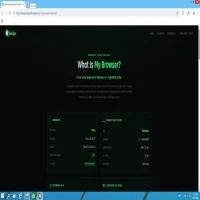
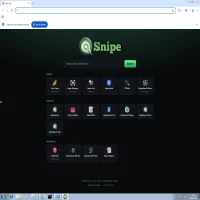
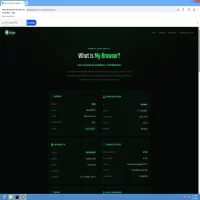
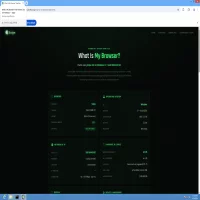
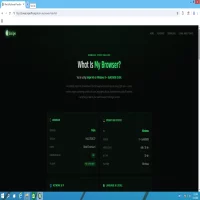
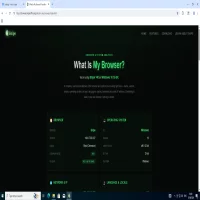
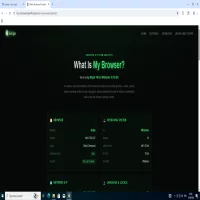
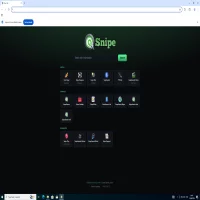
Snipe Browser Portable for Windows 9 is a niche, custom-modified browser package optimized to run on the community-restored Windows 9 Technical Preview operating system platform (available via https://windows9.4up.eu/). This x86 (32-bit) portable deployment option requires no system installation and can be run entirely from a local folder or USB drive.
Key Features:
• Zero Telemetry: Stripped completely of background Google connection servers, sync engine daemons, and background tracing algorithms.
• Integrated uBlock Origin: Content blocking is engineered into the browser core source code to provide automatic network-level filtering against ads and script tracking.
• Embedded Ruffle Player: Integration of the WebAssembly Flash emulator to render legacy SWF multimedia assets smoothly without external plug-ins.
• Zero AI Framework: Developed strictly without embedded AI processing pipelines, local language models, or background analytics loops.
• Serialized Threading: Modifies core rendering loop scheduling to handle complex scripting efficiently in resource-constrained or experimental environments.
• Instant Thread Termination: Drops all associated multi-process tabs and page instances from the system allocation instantly upon shutting down the app.
System Requirements:
• Processor: 1 GHz or faster processor
• Memory (RAM): 1 GB RAM minimum
• Storage: 16 GB available hard disk space (with 200 MB free space required specifically for the browser extraction folder)
• Graphics/Display: DirectX 9 graphics device with WDDM 1.0 or higher driver
Rate the App
User Reviews

Popular Apps








Editor's Choice

 Android
 iOS
iOS Windows
 Mac
Mac Linux
Linux Windows Phone
 PowerPC Mac
 Snipe & Chrome Based Browsers