
Latest Version
140.0.7339.127
July 11, 2026
Snipe Group Limited
Internet
Windows
127 MB
0
Free / Proprietary
SnipeBrowser-140.0.7339.127-windows-8-setup.exe
Report a Problem
More About Snipe Browser (Windows 8 & 8.1)
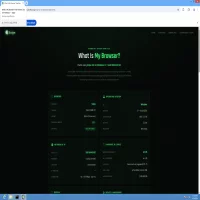
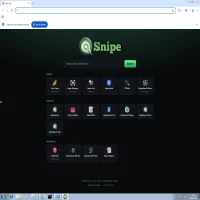
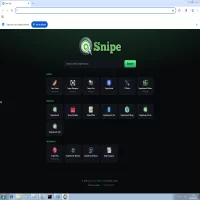
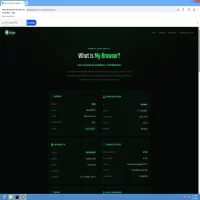
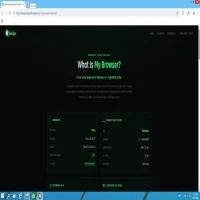
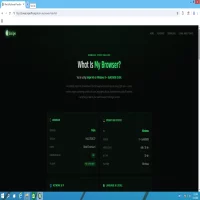
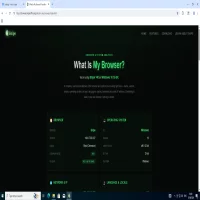
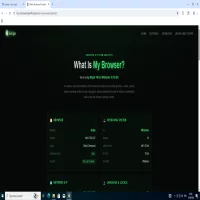
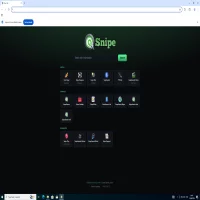
Snipe Browser for Windows 8 & 8.1 is a specialized installer package optimized to re-establish stable web platform performance on Windows 8 (NT 6.2) and Windows 8.1 (NT 6.3) environments. By implementing a native legacy kernel wrapper and custom API shims, this build executes modern engine components seamlessly on systems that lost upstream support following Chromium 109.
Key Features:
• Zero Telemetry: Completely stripped of background Google infrastructure, synchronization daemons, and tracking elements.
• Integrated uBlock Origin: Content filtering tools are hardcoded directly into the browser core source files for instant, network-level ad and tracking blockades.
• Embedded Ruffle Player: Integration of the WebAssembly Flash emulator allows rendering legacy SWF media assets smoothly without external plug-in tools.
• Zero AI Framework: Built entirely without local language models, background analytics daemons, or machine-learning processing overhead.
• Legacy Kernel Integration: Restores platform compliance using structural API shims, ensuring light execution cycles on legacy OS platforms.
System Requirements:
• Operating System: Windows 8 or Windows 8.1
• Processor: 1 Core CPU minimum (x86/x64 compatible)
• Memory (RAM): 1 GB RAM minimum
• Storage: 200 MB free disk space required for the local installation folder
Rate the App
User Reviews

Popular Apps








Editor's Choice

 Android
 iOS
iOS Windows
 Mac
Mac Linux
Linux Windows Phone
 PowerPC Mac
 Snipe & Chrome Based Browsers