




Latest Version
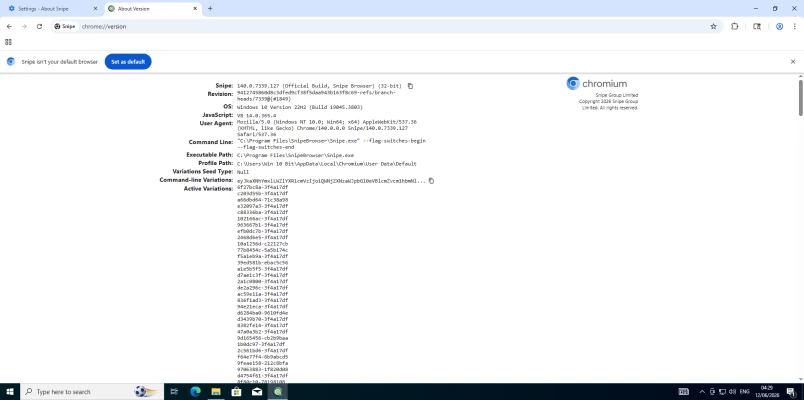
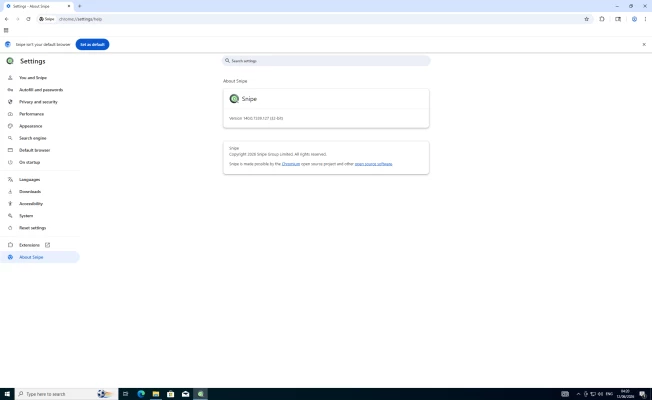
140.0.7339.127
July 10, 2026
Snipe Group Limited
Internet
Windows
127 MB
0
Free / Proprietary
SnipeBrowser-140.0.7339.127-win-x86-setup.exe
Report a Problem
More About Snipe Browser (Windows 10/11 32-bit)
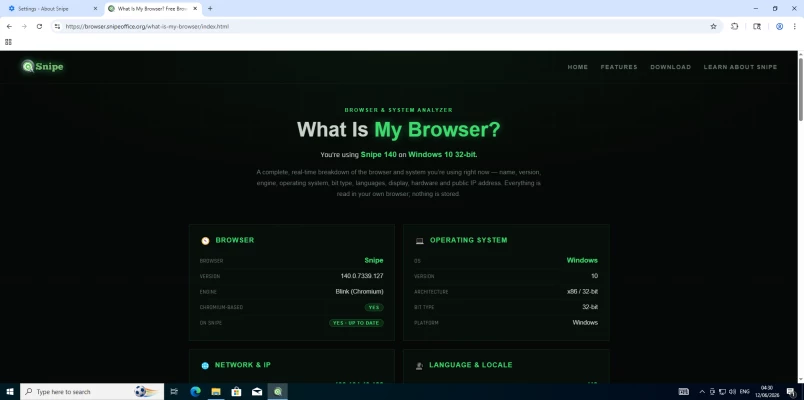
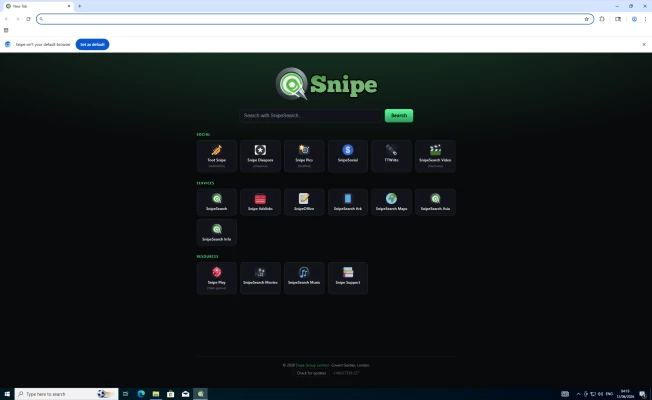
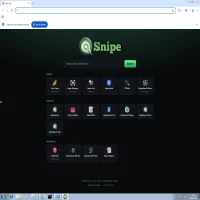
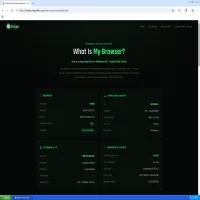
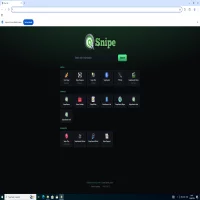
Snipe Browser is a standalone, privacy-focused web browser built from the ground up on de-Googled Chromium 140. Optimized specifically for x86/32-bit hardware configurations and resource-constrained environments running Windows 10 or Windows 11, this version utilizes a standard installer setup package (.exe) for a permanent local desktop deployment.
Key Features & Specifications:
• Zero Telemetry: Completely stripped of background Google infrastructure, sync daemons, and tracking elements. The browser only communicates with the sites you tell it to visit.
• Integrated Engine Extensions: Comes out of the box with uBlock Origin hardcoded into the source for immediate ad and tracker blocking, alongside a native Ruffle/Flash player emulator to run legacy SWF media seamlessly without extra plugins.
• Zero AI Framework: Built entirely without embedded AI models or processing overhead, freeing up vital CPU cycles on legacy hardware.
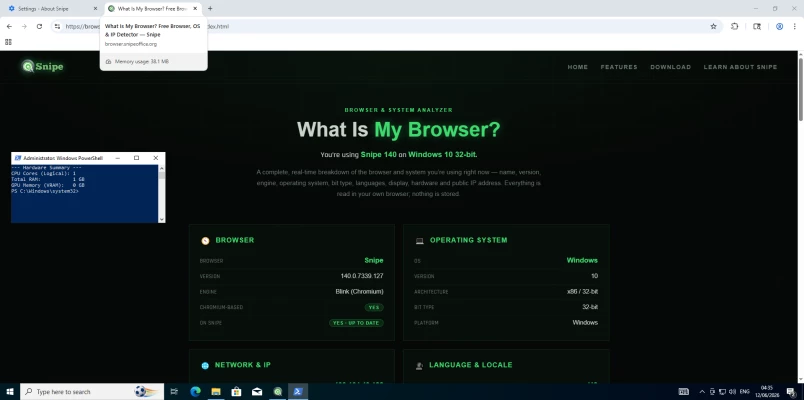
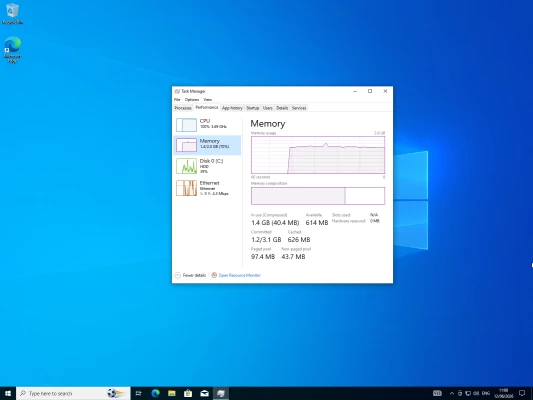
• Lean Resource Management: Actively tested and optimized to maintain fast, stable page rendering on machines with as little as 1 GB of system RAM.
Installation Instructions:
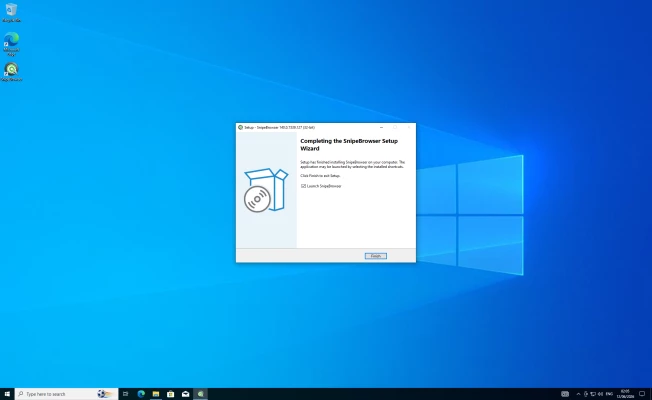
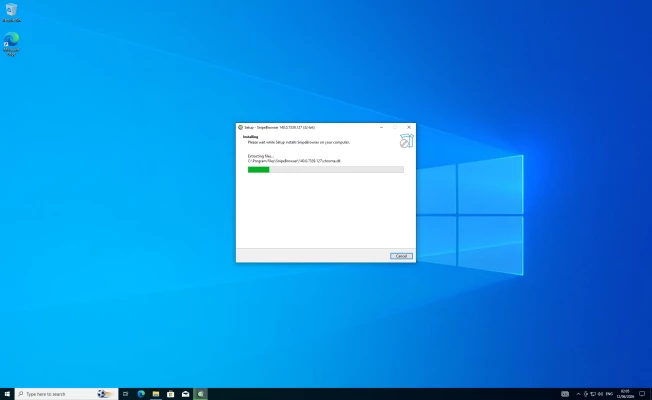
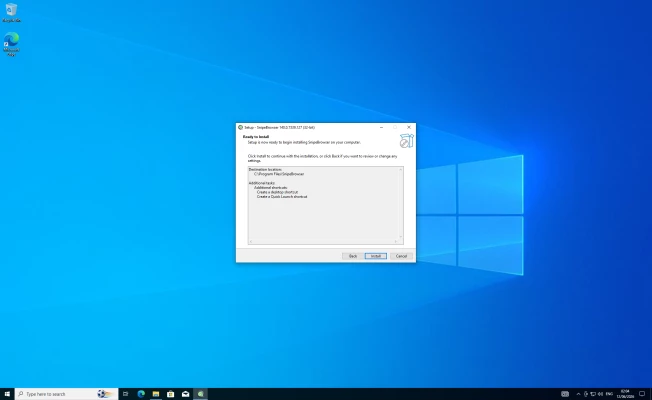
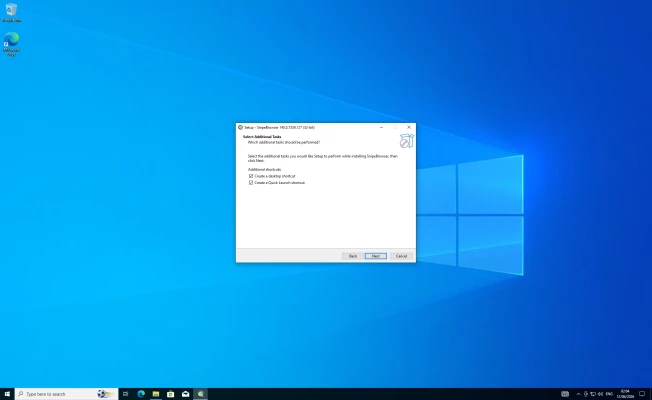
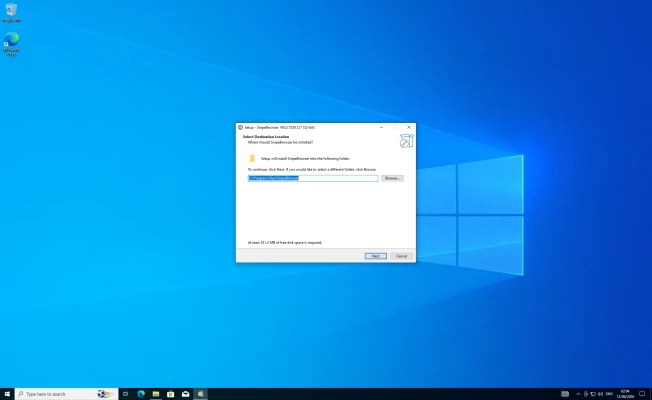
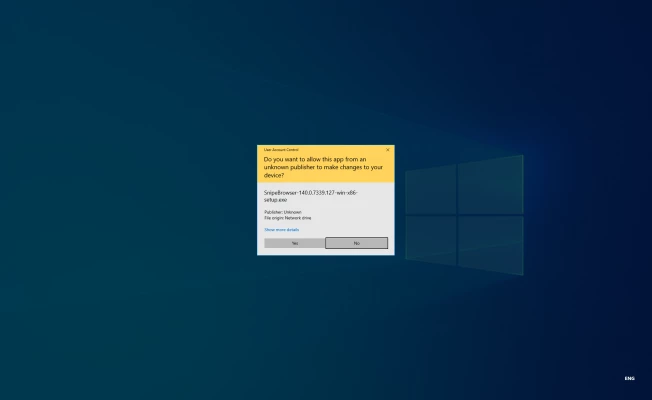
Run the provided 'SnipeBrowser-140.0.7339.127-win-x86-setup.exe' file to initiate the local installation. The wizard will create desktop shortcuts and install the application directly into your local directory structures for seamless system integration.
Rate the App
User Reviews



Popular Apps








Editor's Choice

 Android
 iOS
iOS Windows
 Mac
Mac Linux
Linux Windows Phone
 PowerPC Mac
 Snipe & Chrome Based Browsers